Electronic signatures are now standard in healthcare. From patient intake forms and consent documents to treatment authorizations and business agreements, eSignatures help providers move faster and reduce paperwork.
But when those signatures involve protected health information (PHI), the stakes are higher. Not all electronic signature solutions are HIPAA compliant. Using the wrong one can expose your organization to serious compliance and security risks.
In this guide, we’ll break down what makes an electronic signature HIPAA compliant, the specific safeguards required, common mistakes healthcare organizations make, and how to safely implement electronic signatures without putting PHI at risk.
What Does “HIPAA Compliant Electronic Signature” Really Mean?
HIPAA does not prohibit electronic signatures. In fact, HIPAA is largely technology-neutral. It does not define or mandate a specific signing method.
Instead, HIPAA focuses on how electronic protected health information (ePHI) is created, transmitted, stored, and accessed during the signing process.
An electronic signature is considered HIPAA compliant only if the system handling it meets HIPAA’s required safeguards for protecting PHI.
It’s also important to separate HIPAA from other laws:
- ESIGN Act & UETA: Establish the legal validity of electronic signatures
- HIPAA: Governs the security and privacy of PHI involved in the process
An eSignature can be legally valid but still non-compliant with HIPAA if PHI is mishandled.
HIPAA Requirements That Apply to Electronic Signatures
HIPAA compliance for electronic signatures falls under the HIPAA Security Rule, which defines three safeguard categories.
1. Administrative Safeguards
These are policies and procedures that control how PHI is handled.
For eSignatures, this includes:
- Defined access roles for staff
- Workforce training on PHI handling
- Vendor risk management
- Documented incident response procedures
If your signing provider has access to PHI, you must also have a Business Associate Agreement (BAA) in place (more on that below).
2. Technical Safeguards
This is where many eSignature tools fall short.
HIPAA requires:
- Access controls to ensure only authorized users can view or sign documents
- Audit controls to track who accessed PHI and when
- Integrity controls to prevent unauthorized document changes
- Transmission security to protect PHI in transit
Email-based workflows and consumer file-sharing tools often fail here.
3. Physical Safeguards
Even cloud-based systems must account for physical security.
This includes:
- Secure data centers
- Controlled access to servers
- Protections against unauthorized physical access to stored PHI
Reputable HIPAA-focused platforms use hardened, audited infrastructure to meet these requirements.
Required Security Features for HIPAA-Compliant eSignatures
A HIPAA-compliant electronic signature platform should include all of the following:
Encryption (In Transit and At Rest)
PHI must be encrypted:
- In transit (TLS/HTTPS when documents are sent or accessed)
- At rest (encrypted storage on servers)
If your provider cannot clearly explain their encryption standards, that’s a red flag.
Strong Authentication & Access Controls
HIPAA requires limiting access to authorized individuals.
Look for:
- Secure signer authentication
- Role-based access for staff
- Multi-factor authentication
- Time-limited or access-controlled signing links
Tamper-Evident Audit Trails
HIPAA requires the ability to audit activity involving PHI.
A compliant eSignature system should automatically record:
- Who viewed the document
- Who signed
- Date and time stamps
- IP addresses or access context
- Any document changes
This audit trail must be immutable and securely stored.
Data Retention & Secure Storage
Signed documents containing PHI must be:
- Stored securely
- Protected from unauthorized access
- Retained according to your policies
- Deleted securely when no longer needed
Storing signed PDFs in unsecured cloud drives or email inboxes is a common compliance failure.
Minimal PHI Exposure
HIPAA emphasizes minimizing unnecessary PHI access.
Best-practice eSignature platforms:
- Limit document visibility to only required parties
- Avoid exposing PHI in email notifications
- Keep PHI contained within a secure signing environment
Business Associate Agreements (BAAs): A Non-Negotiable Requirement
If an eSignature vendor creates, receives, maintains, or transmits PHI on your behalf, they are considered a Business Associate under HIPAA.
That means:
- A signed BAA is required
- No BAA = no HIPAA compliance
Many popular consumer eSignature and file-sharing tools either:
- Refuse to sign BAAs
- Restrict BAAs to enterprise tiers
- Exclude key features from BAA coverage
Always confirm that:
- A BAA is available
- It clearly covers electronic signatures and document storage
- It applies to all environments where PHI is processed
Common HIPAA Mistakes with Electronic Signatures
Healthcare organizations often assume they’re compliant when they’re not. Here are the most common pitfalls:
Using Consumer eSignature Tools
Many general-purpose eSignature platforms are designed for sales contracts—not PHI.
Common issues:
- No BAA
- Insecure email notifications
- Weak access controls
- Limited audit logging
Emailing Documents for Signature
Email is not inherently HIPAA compliant.
Problems include:
- PHI visible in inbox previews
- Forwarding risk
- Lack of access controls
- No audit trail
Email should never be the primary method for collecting signed healthcare documents.
Storing Signed Documents Insecurely
Even if the signing step is secure, compliance can fail afterward.
Risky practices:
- Saving signed PDFs to local desktops
- Uploading to consumer cloud storage
- Keeping PHI indefinitely with no retention policy
- Lack of an audit trail of those accessing ePHI
HIPAA applies to the entire document lifecycle, not just the signature.
Email can be used in healthcare workflows—but only when specific safeguards are in place. If your organization must use email to send or receive PHI, follow these steps to reduce HIPAA risk.
1. Use an Email Service That Supports HIPAA Compliance
Not all email platforms are HIPAA compliant by default. Choose a provider that:
- Supports encryption in transit and at rest
- Offers access controls and administrative logging
- Will sign a Business Associate Agreement (BAA)
Without a BAA, email should never be used to transmit PHI.
2. Enable Encryption for All PHI-Related Messages
Encryption is a core HIPAA technical safeguard.
- Use TLS encryption for messages in transit
- Apply end-to-end or portal-based encryption when possible
- Avoid sending PHI in plain-text email bodies or attachments
If encryption cannot be enforced, PHI should not be emailed.
3. Avoid Including PHI in the Email Body
Emails are easily forwarded, previewed, or accessed by unauthorized users.
Best practice:
- Keep emails notification-only
- Do not include diagnoses, treatment details, or identifiers in the message
- Use secure links that require authentication to view content
4. Control Access to PHI After Delivery
HIPAA applies after the email is received.
- Restrict inbox access to authorized staff
- Avoid shared inboxes without role-based controls
- Prohibit downloading PHI to local desktops or personal devices
PHI should remain in controlled systems—not personal storage.
5. Maintain Audit Trails and Logging
HIPAA requires the ability to track PHI access.
- Log who sends and receives PHI-related emails
- Monitor access to linked documents or portals
- Retain logs according to your compliance policies
If you can’t audit it, you can’t defend it.
6. Obtain Patient Consent for Email Communication
If patients request email communication:
- Inform them of the risks
- Document their consent
- Limit email use to the minimum necessary
Patient preference does not remove your obligation to safeguard PHI.
7. Train Staff on Secure Email Practices
Human error is one of the biggest HIPAA risks.
- Train staff on when email is allowed
- Enforce verification of recipient addresses
- Establish procedures for misdirected emails
- Document training for compliance audits
8. Use Secure Alternatives Whenever Possible
Email should not be the default for handling PHI.
Whenever feasible, use:
- Secure portals
- HIPAA-compliant electronic signature platforms
- Encrypted form and document workflows
These tools dramatically reduce exposure compared to email.
Bottom Line
Email can be made more compliant, but it is rarely the best option for handling PHI. For collecting signatures, forms, and sensitive documents, secure HIPAA-compliant workflow platforms are safer, easier to audit, and far less risky than relying on email alone.
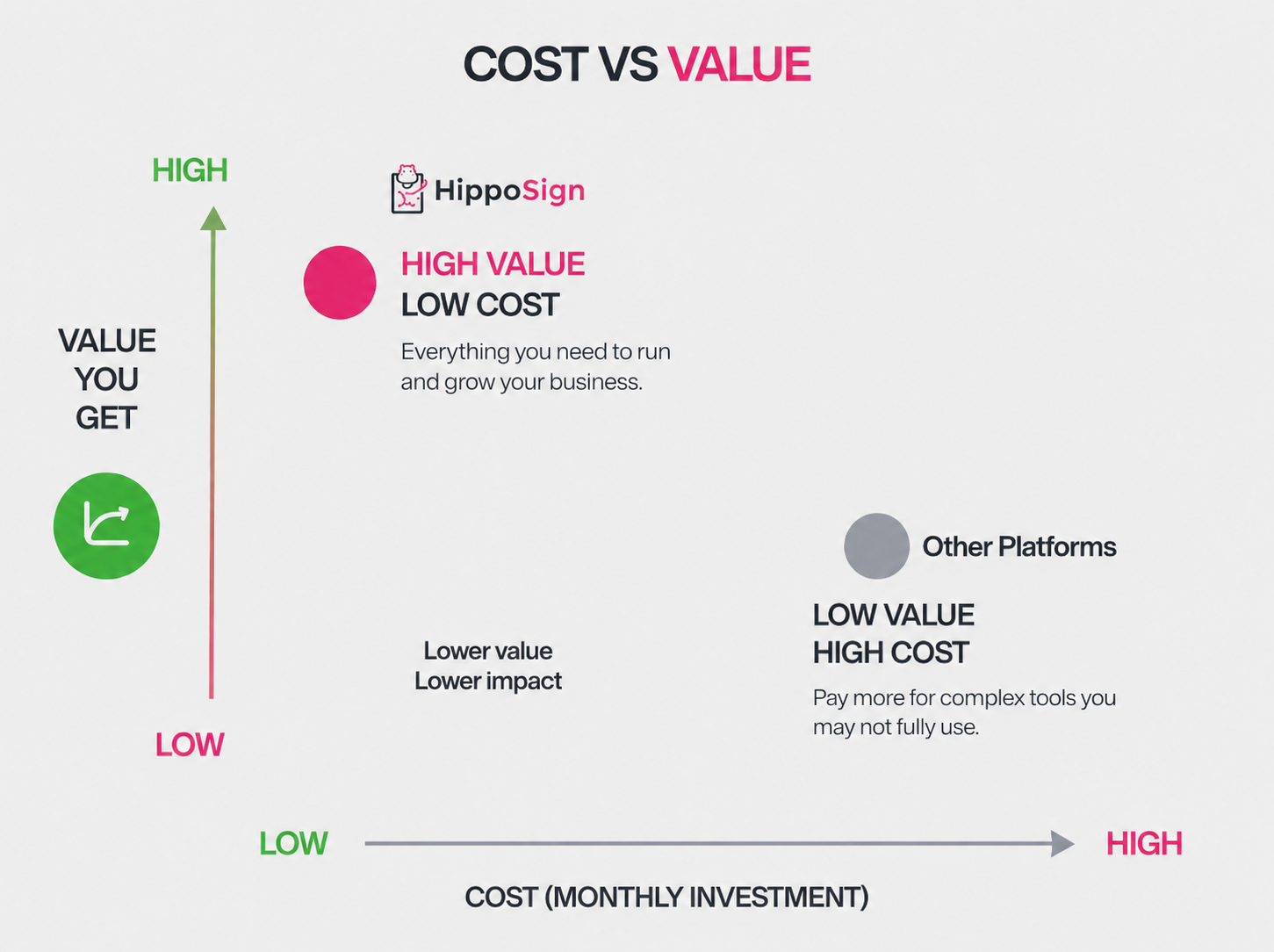
How HippoSign Supports HIPAA-Compliant Electronic Signatures
HippoSign was designed specifically for organizations that handle sensitive data, including healthcare providers, clinics, and covered entities.
Key compliance-focused features include:
- Secure, encrypted signing environments
- Controlled access and authentication
- Detailed, tamper-evident audit trails
- HIPAA-aligned infrastructure
- Business Associate Agreements available for healthcare use
- Secure storage and document lifecycle controls
Rather than retrofitting consumer tools for healthcare, HippoSign is built to support HIPAA compliance from the ground up.
Final Thoughts and Recommendations
Email privacy is more important than ever for Mac users. Threats are rising, and attackers are getting smarter. Strong encryption helps keep your conversations safe and your data private.
The best Mac email encryption software balances security with real‑world usability. You need tools you can trust, and you need encryption that works quietly in the background. Look for features like end‑to‑end protection, simple setup, and strong compatibility with popular providers.
It also helps to combine encrypted messaging with other Mac email security tools. Use a good password manager, a reliable VPN, and antivirus software. These tools work together to create a stronger shield around your digital life.
Ready to protect your Mac communications? Try one of these top Mac email encryption software solutions today.